

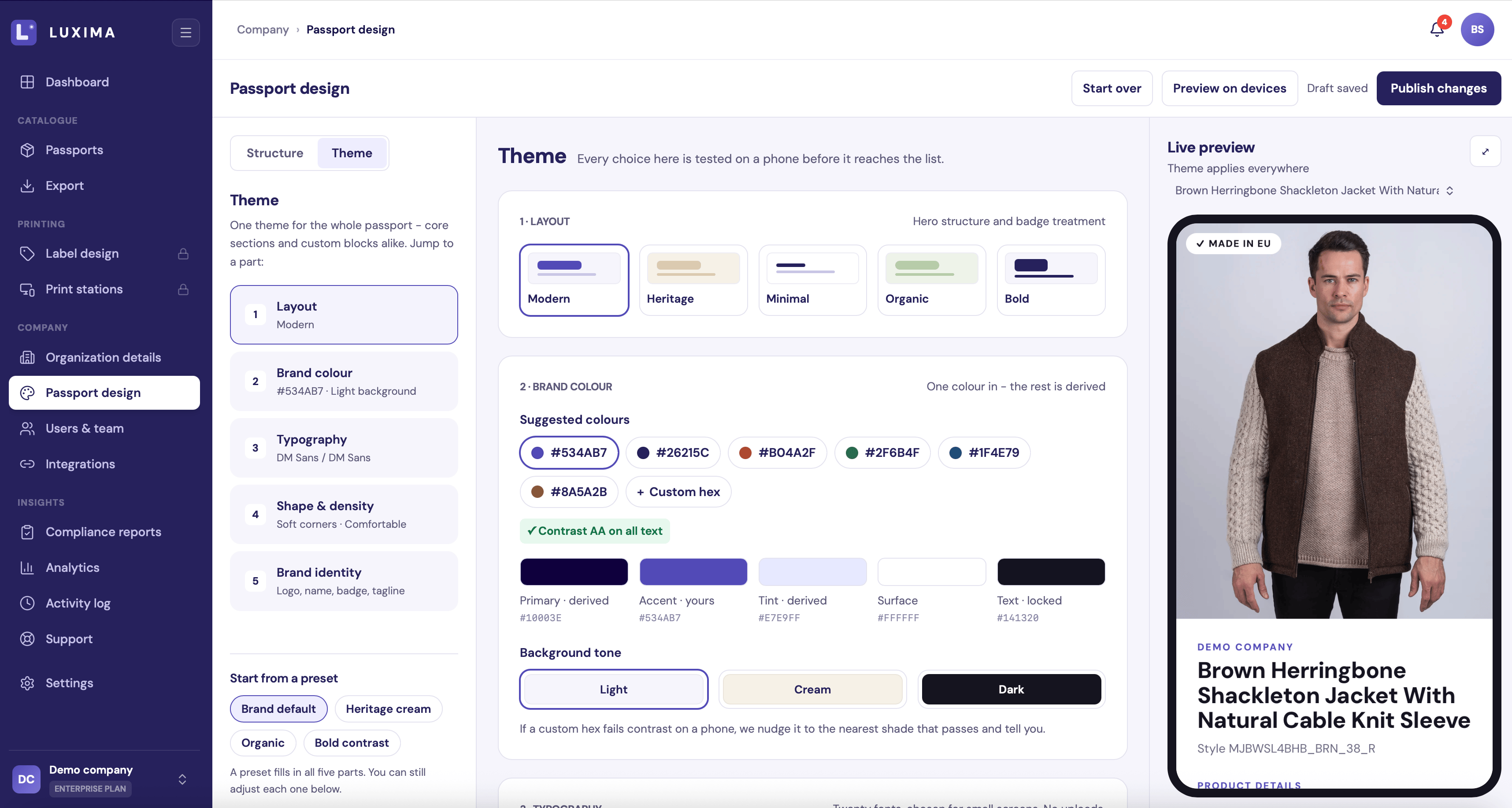
The builder on the Theme side, with the live preview on the right
Owners, Admins and Editors can change the design. Other roles see it as view only.
Layout of the builder
- Left: a switch between Structure (the sections of the passport) and Theme (how it looks).
- Middle: the settings for whatever you selected on the left.
- Right: a live phone preview. Pick one of your published products from the dropdown to see the design with real data.
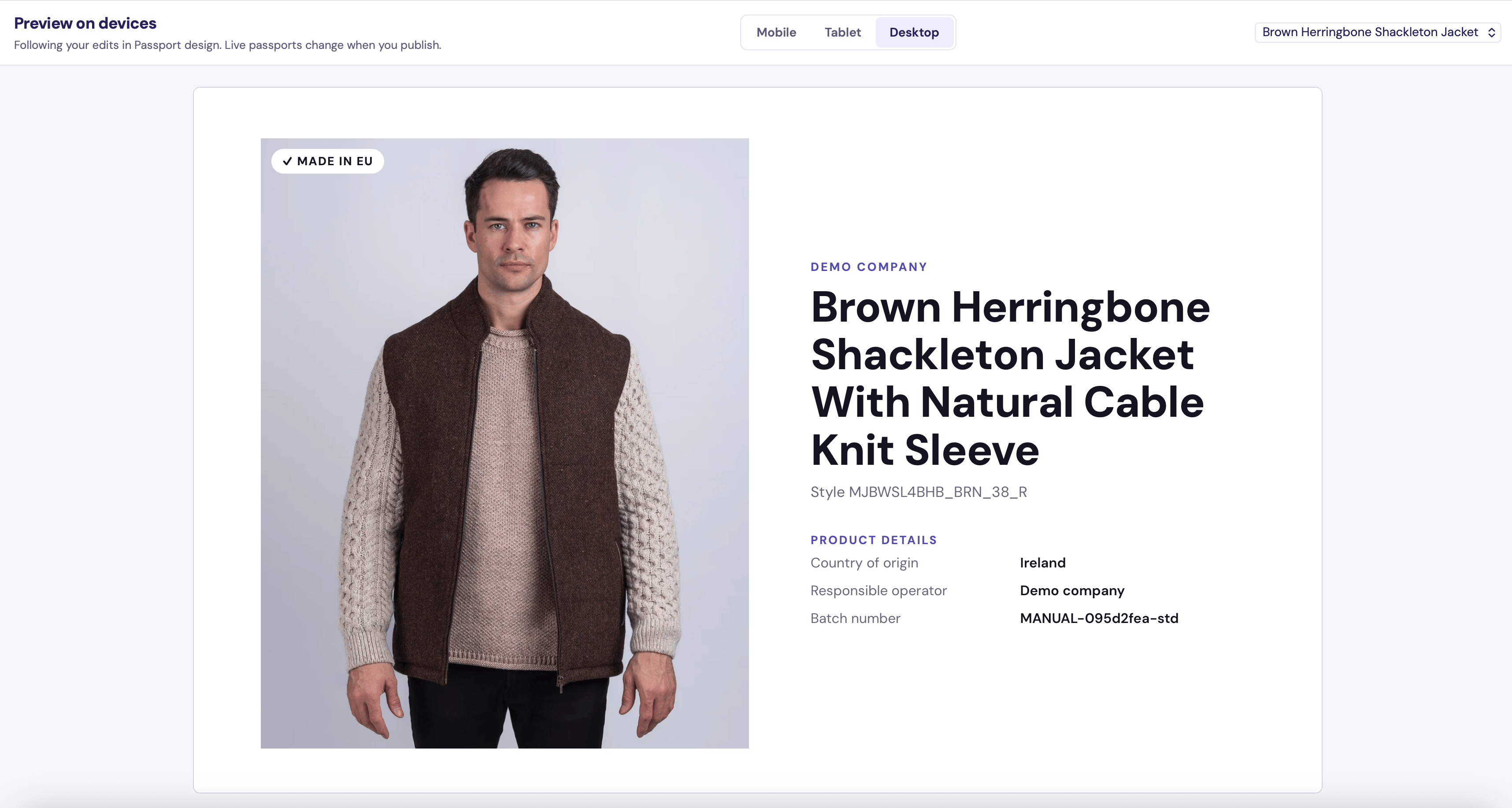
Preview on devices, set to Desktop
Drafts and publishing
Your changes are saved to a draft automatically. The indicator at the top shows “Saving…” and then “Draft saved”. A draft does not change your live passports. When you are happy with it:1
Click Publish changes
LUXIMA asks “Publish to all live passports?”.
2
Confirm
Click Publish. Every live passport now uses the new design.
- There is nothing new to publish.
- A custom block is unfinished. Finish it or hide it first.
Start from your brand
Click Start over to give the builder a starting point. Nothing goes live until you publish.
With the first three, a What we found card shows the brand colour, background tone, fonts, layout and corner style it read. Adjust anything that looks wrong, then click Looks right - use it, or Start again.
These options change the look and your brand identity. They leave your sections and blocks as they are. Choose it myself resets everything in the draft.
Next
- Theme: layout, colours, fonts and logo.
- Sections and blocks: what the passport contains.