

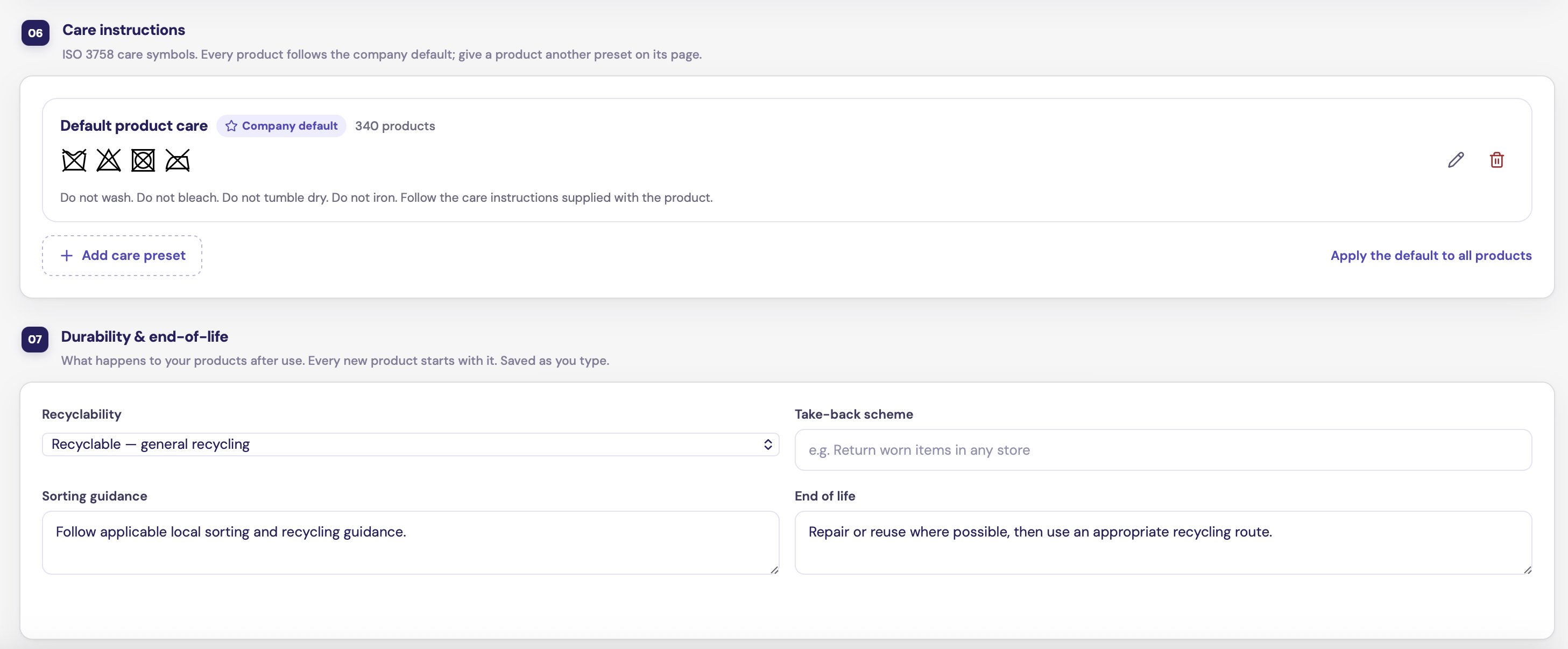
A care preset set as the company default
How products use presets
- Every product follows your company default preset.
- You can give a product a different preset on its page. See Certifications and care.
- When you edit a preset, every product on it follows the change.
Create a preset
1
Start
Click Add care preset and give it a name, for example “Wool knitwear”.
2
Choose a symbol for each treatment
The preview under On the care label shows the symbols and their wording as you go. “Still to choose” lists what is left.
3
Add extra instructions, if needed
Use Extra instructions for anything the symbols do not cover.
4
Save
Click Save preset.
Change the company default
Click Make default on a preset. Products that follow the company default now follow this one.Apply the default to every product
To reset all products to the company default, click Apply the default to all products and confirm.Edit a preset
Open the preset, change the symbols, and click Save changes. Products on this preset follow the new version.Remove a preset
Click remove on the preset. There is no confirmation step.- Products that used it go back to the company default.
- If you remove the default itself, your oldest remaining preset becomes the default.