

Who can change it
Owners and Admins can edit this page. Other roles see the company profile as read only.How saving works
It differs by section:- Company information, Production methods and Sourcing: click Edit details, make your changes, then click Save changes. Cancel throws them away.
- Packaging and Durability & end-of-life: saved as you type.
- Certifications and Care instructions: each change is saved as you make it.
Company information
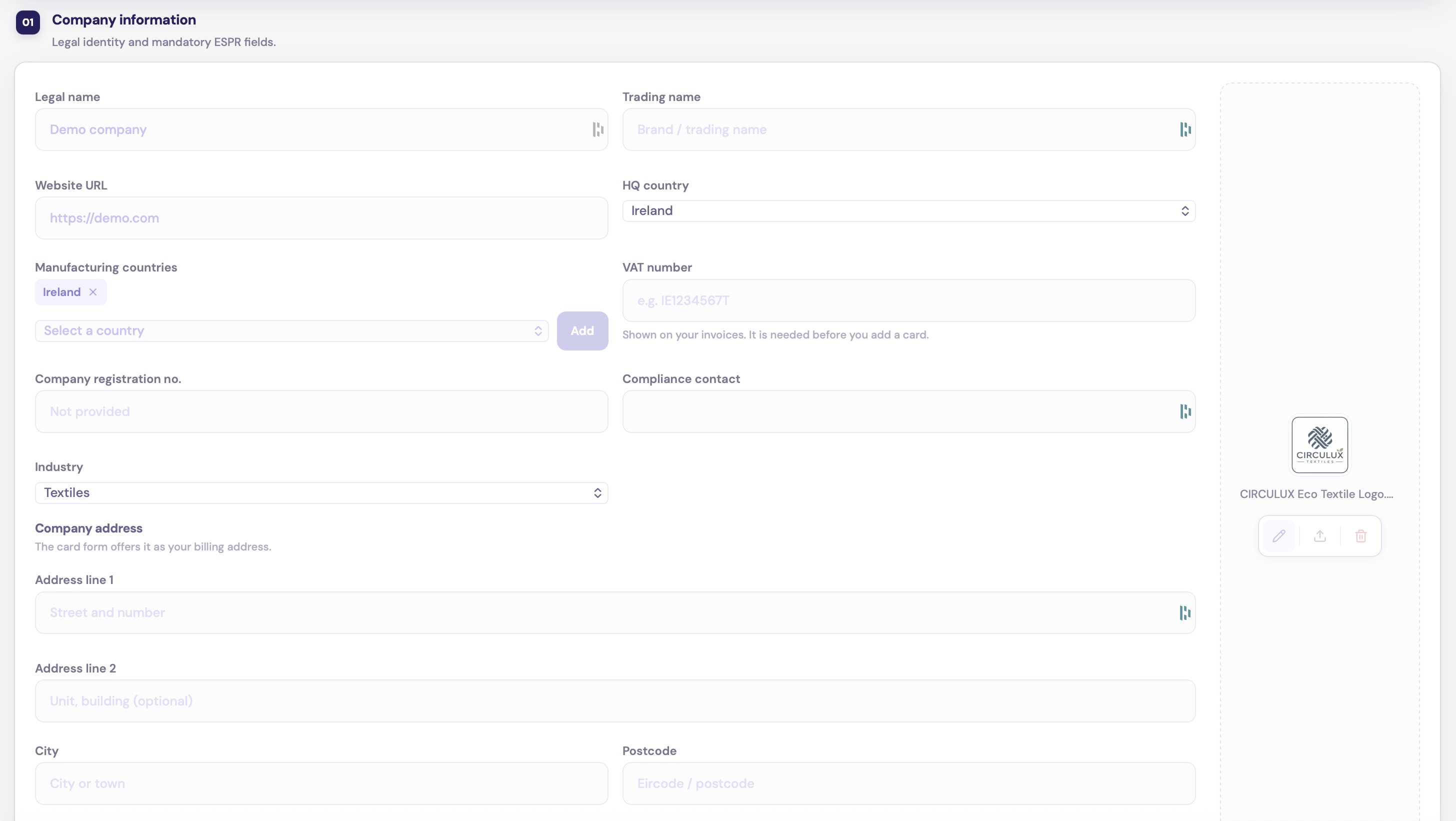
Company information, with the logo on the right
Logo
Click Upload logo and choose a PNG, JPG or WEBP file. Crop it to a square with the zoom and position sliders, then click Save crop. The logo is saved straight away. It appears in the menu, next to your company name, and on your passports.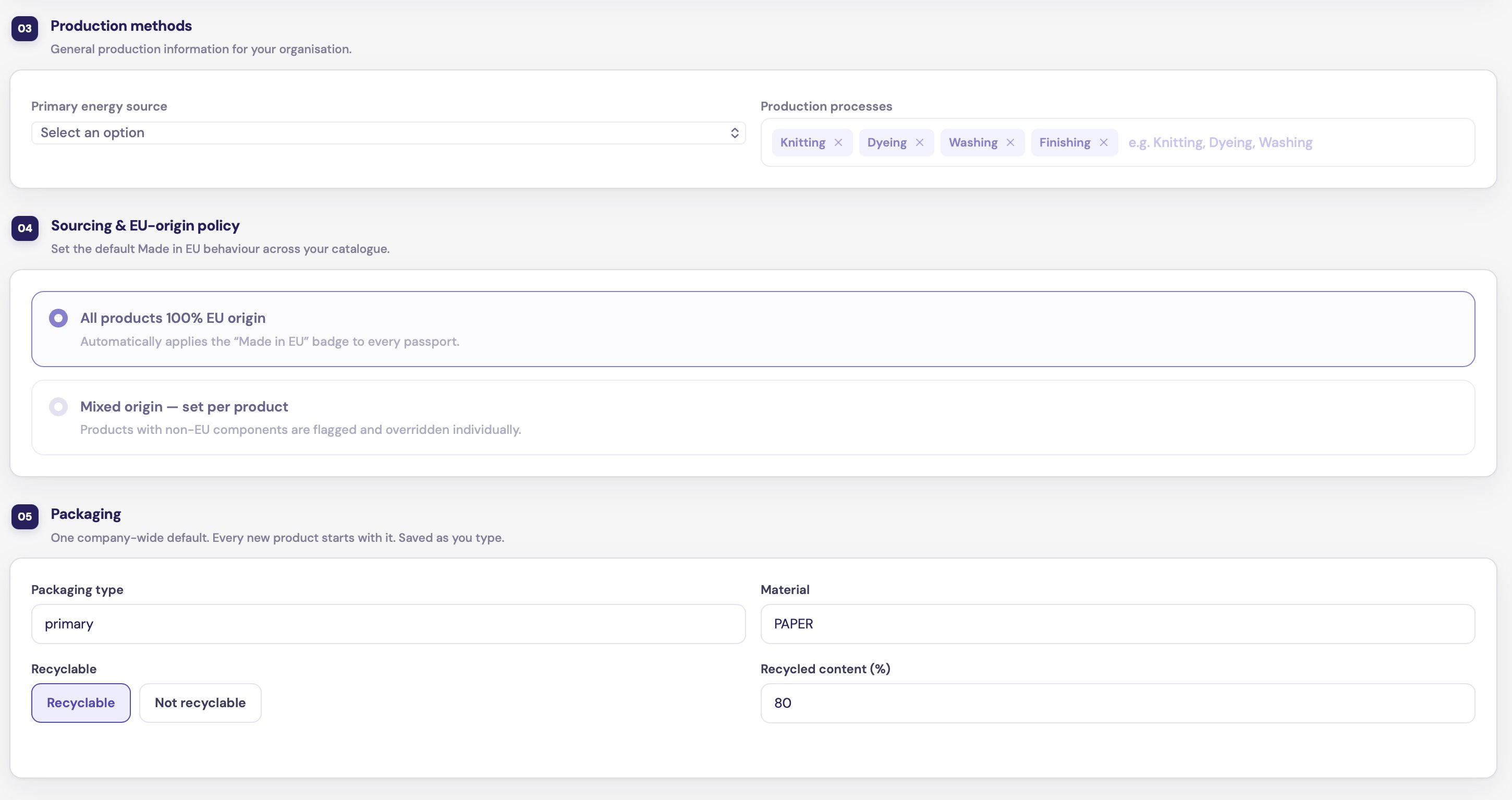
Production methods, Sourcing & EU-origin policy, and Packaging
Production methods
- Primary energy source: choose how your production is powered, from fully renewable to grid mix, or Not yet determined.
- Production processes: add the processes you carry out, such as Knitting, Dyeing or Washing.
Sourcing & EU-origin policy
Choose the policy that describes your catalogue:- All products 100% EU origin
- Mixed origin — set per product
Packaging
One default for the whole company. Every new product starts with it.Durability & end-of-life
What happens to your products after use. Every new product starts with it.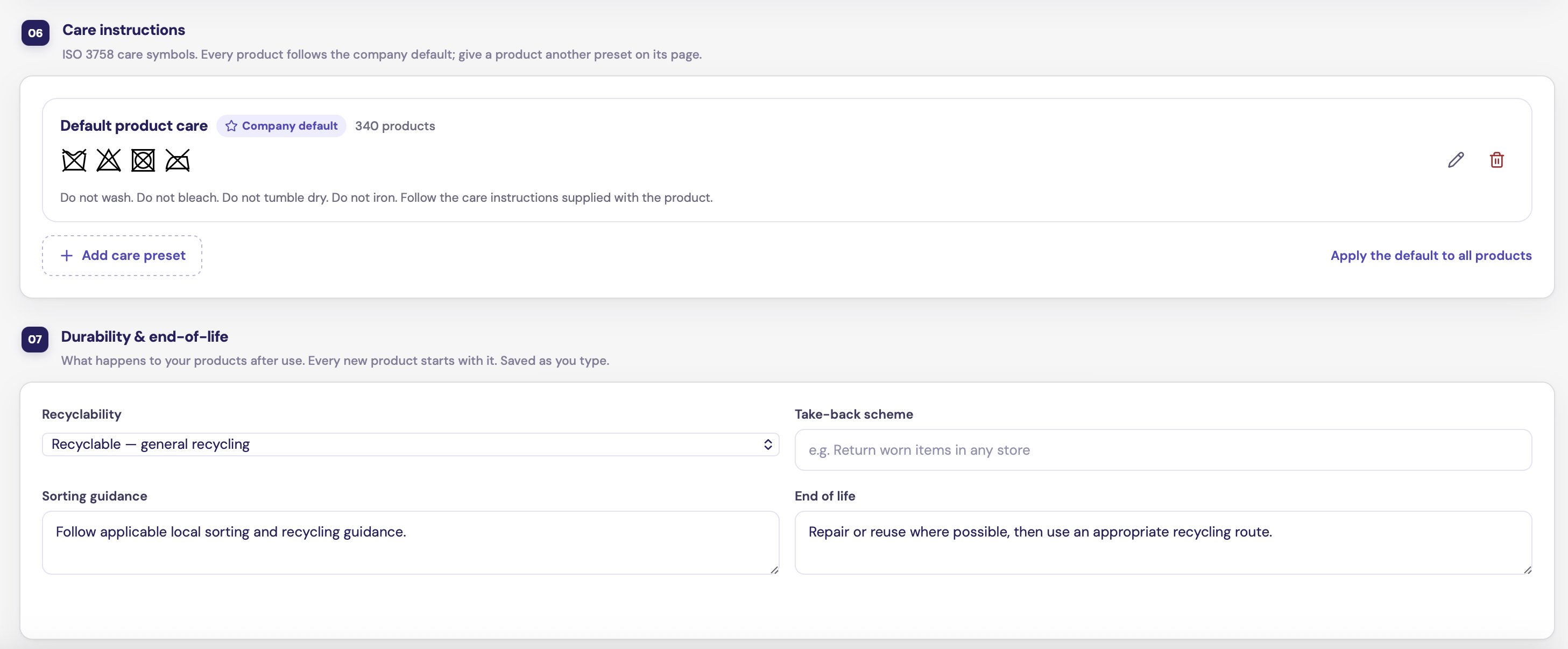
Care instructions and Durability & end-of-life
You can change these on a single product in its Care & end-of-life section.