

Send a request
1
Start
Open Support and click New request.
2
Pick a topic
3
Describe it
Give it a Subject and write your Message: what happened, what you expected, and the product or page it is about.
4
Say how urgent it is
Low, Normal, High (it is holding you up) or Urgent (you cannot work).
5
Send
Click Send request.
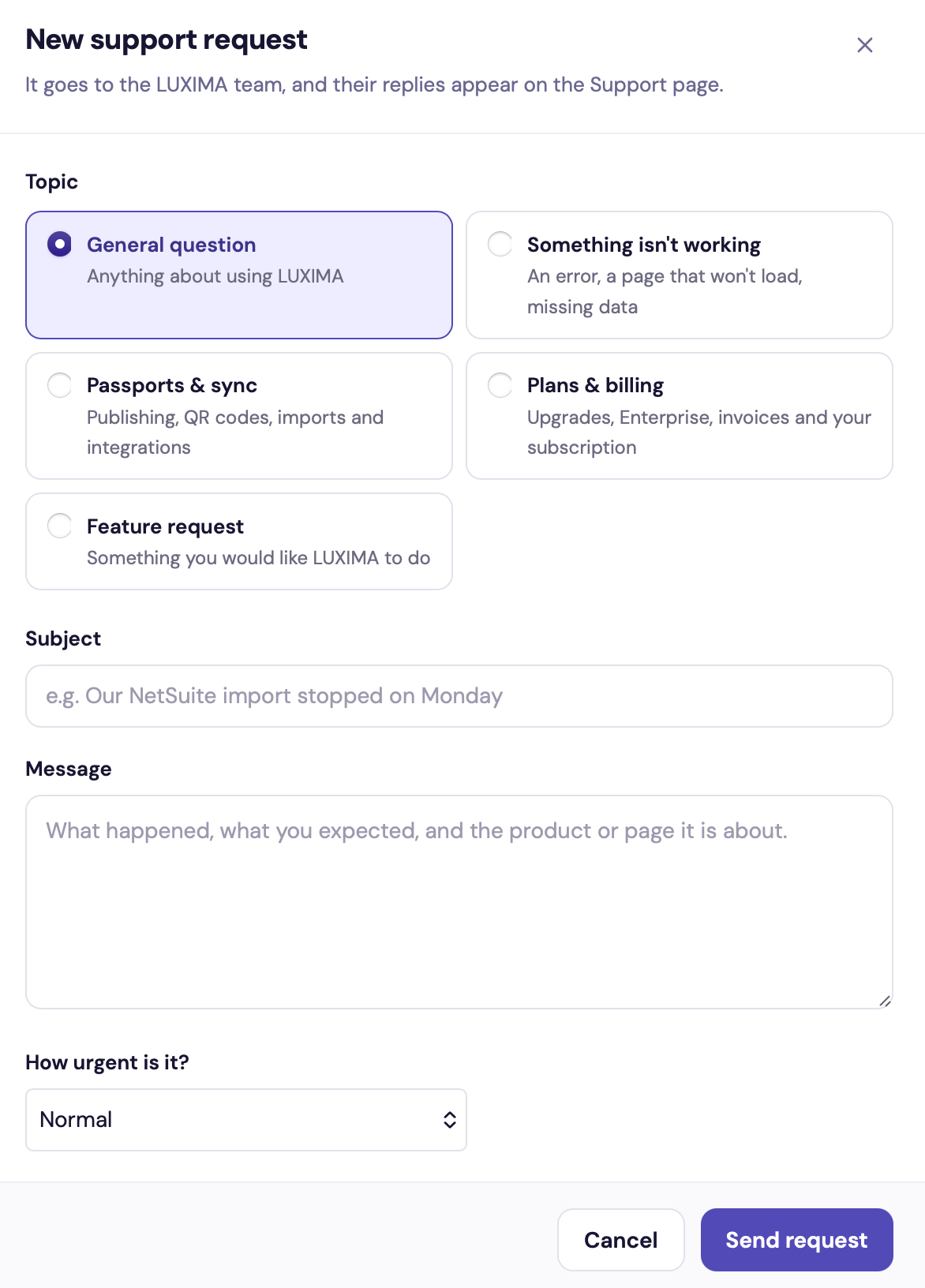
The New support request form
Follow your requests
The Support page lists your company’s requests under four tabs:
Click a request to read the conversation. Replies from the team are marked LUXIMA support. Write your answer in the Reply box and click Send reply.
Check the Waiting on you tab from time to time, so a request does not stall on a question for you.